
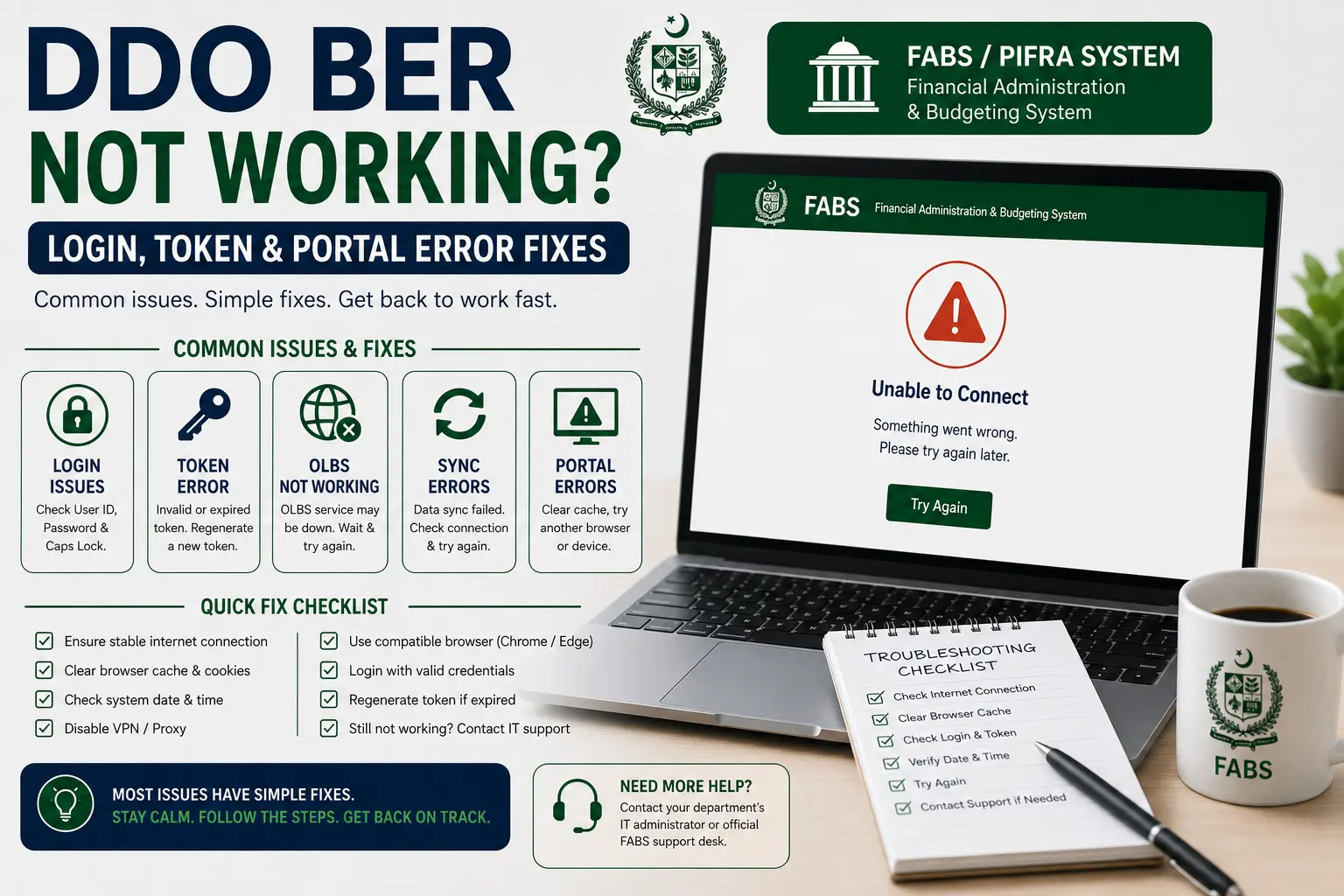
DDO BER Not Working is one of the most common searches related to the FABS/PIFRA system — and in most cases, it’s not actually a bug; it’s a predictable issue with a straightforward fix.
This guide walks through the most common causes, how to resolve login, token, OLBS, and sync errors, and what to do if the problem genuinely persists beyond normal troubleshooting.
Why DDO BER Not Working (Portal Common Causes)
Before diving into specific error types, it helps to understand the handful of reasons this happens most often:
- Server load at peak times — month-end and fiscal year-end closing (especially the last week of June) sees heavy traffic on government portals, which can slow response times or cause temporary timeouts.
- Incorrect login details — a mismatched Government Code, DDO Code, or Fiscal Year selection — will often appear as “not working” when it’s actually a data mismatch, not a server error.
- Legacy vs. current portal confusion — some older
m.pifra.gov.pkLinks are less reliably maintained than the current FABS system at fabs.gov.pk, so a dead legacy link can look like the whole system is down when it isn’t. - Browser or connection issues — older government web applications don’t always render consistently across every browser, and a poor connection can cause a page to appear stuck mid-load.
Server Downtime & Peak Load Times
Government financial systems like FABS process a large volume of departmental transactions, especially as departments rush to finalize budgets before the fiscal year closes in June.
If the portal feels unusually slow or unresponsive during this period, waiting and retrying later in the day (or the following morning) resolves the issue more often than any other single fix.
Wrong Login Details or Session Expiry
A session that’s timed out, or a Fiscal Year left on a previous selection from an earlier search, can produce results that look identical to a genuine outage. Before assuming the system is down, re-enter your Government Code, DDO Code, and Fiscal Year from scratch rather than relying on a previously loaded page.
Token Number Errors & Fixes
A token number error typically appears when the system-generated session token tied to your current login attempt has expired, been reused, or wasn’t generated correctly in the first place.
What a Token Number Error Means
Think of the token as a short-lived pass issued when you start a session on the portal — if too much time passes between generating it and submitting your search, or if you open multiple tabs using the same session, the token can become invalid.
The fix is usually simple:
- Refresh the page and start the search again from scratch, rather than resubmitting an old form.
- Avoid opening multiple tabs to the same FABS/PIFRA module at once, as this can cause token conflicts.
- Clear your browser cache if the error persists across multiple fresh attempts.
OLBS Portal Issues
OLBS (Online Bill System) is the module handling bill submission and tracking, and it has its own set of common hiccups separate from the general login issues above.
Common OLBS Error Messages
- “Bill not found” — usually a mistyped bill number or a bill that hasn’t finished processing yet.
- Blank or partially loaded page — often a rendering issue rather than a data problem; try reloading or switching browsers before assuming the bill itself is missing.
- Timeout during submission — if you’re submitting a new bill and the page times out, check the Bill Status module separately before resubmitting, since the original submission may have gone through despite the error message.
SAP/FABS Sync Errors
Some data displayed on the portal is synced from the underlying SAP-based accounting system, and occasionally that sync lags behind real-time transactions.
Why Sync Delays Happen
Budget releases, expenditure postings, and employee record updates are processed through internal government accounting workflows before they appear on the public-facing FABS portal.
This means there’s often a natural delay — sometimes a few hours, occasionally a couple of days — between a transaction being processed internally and it showing up when you search. If a figure looks outdated or a recent transaction is missing, this sync lag is the most likely explanation, not a broken report.
How to Report a Persistent Issue
If you’ve checked your login details, tried again after some time, and the issue still isn’t resolved, it’s reasonable to escalate:
- Confirm the issue isn’t data-related — double-check Government Code, DDO Code, and Fiscal Year one more time.
- Try both the FABS portal and, where relevant, the older PIFRA subdomain to see if the issue is specific to one system.
- Contact your department’s accounts office — they often have a direct line to report system issues that isn’t available to the general public.
- Note the exact error message and time it occurred, which makes any follow-up report far more useful than a general “it’s not working” description.
FAQs
Why does DDO BER keep showing “not working” or a blank page?
Most often it’s a data-mismatch (wrong Government Code, DDO Code, or Fiscal Year) or temporary server load — rarely a permanent fault.
What does a token number error mean?
It means your session’s login token has expired or conflicted with another open session — refresh and start the search again.
Is FABS more reliable than the old PIFRA links?
Generally, yes, since FABS is the actively maintained system, while older PIFRA subdomains are maintained less consistently.
How long does it take for a new transaction to show up on the portal?
It varies, but a delay of a few hours to a couple of days between internal processing and portal visibility is normal.
Who do I contact if the portal is down for an extended period?
Your department’s accounts office is usually the fastest route to escalate a genuine, persistent system issue.
Does clearing my browser cache actually help?
Yes, particularly for token errors and pages that appear stuck mid-load — it’s a simple first step worth trying before anything else.
Conclusion
Most of the time, DDO BER Not Working comes down to one of a small handful of predictable causes — a data-mismatch, a token or session issue, peak-time server load, or a normal sync delay between internal processing and the public portal.
Working through these systematically, starting with your login details and working outward to server-level explanations, resolves the vast majority of cases without needing to escalate anywhere.
When an issue genuinely persists beyond normal troubleshooting, going directly to your department’s accounts office remains the most reliable way to get it resolved.